
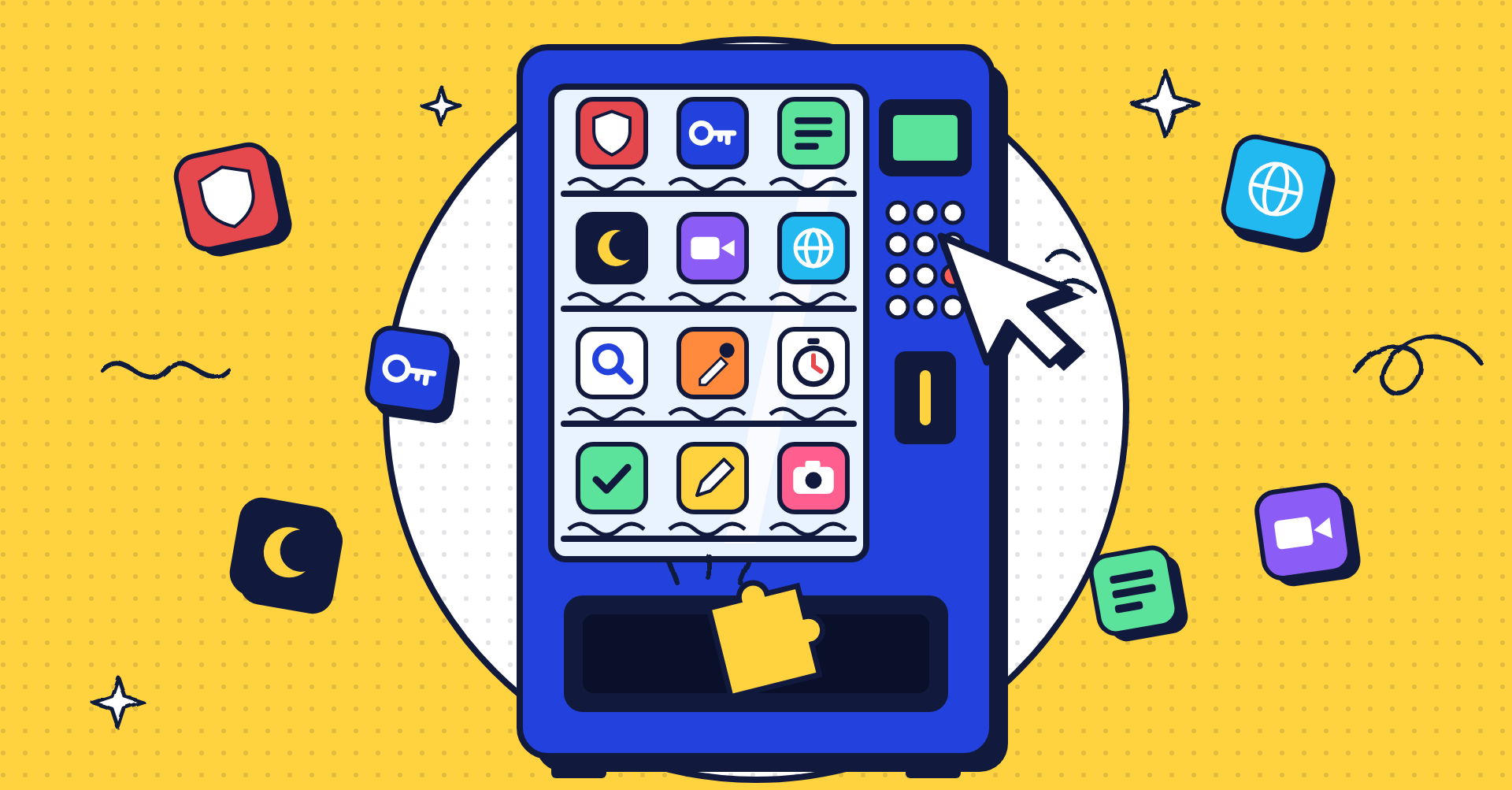
TL;DR
- uBlock Origin Lite, Bitwarden and Privacy Badger cover ads, passwords and tracking, and all three are completely free.
- Todoist, OneTab, Grammarly, Loom, GoFullPage and Google Translate make everyday work faster, with free plans that are enough for most people.
- Dark Reader, StayFocusd and Momentum make long hours in the browser easier on your eyes and your attention span.
- Bloggers and website owners should add Detailed SEO Extension, Wappalyzer and ColorZilla.
- Install extensions only from the Chrome Web Store, check what permissions they ask for, and remove the ones you don’t use.
The best free Chrome extensions don’t just add features. They quietly remove the annoying parts of browsing: the ads, the forgotten passwords, the 47 open tabs and the “just five minutes” on YouTube that turns into an hour.
We’ve picked fifteen free extensions worth installing in 2026, grouped by what they do best. Some are fully free, and some have a free plan with paid upgrades. We’ll tell you which is which.
Ad Blocking and Privacy
1. uBlock Origin Lite
The original uBlock Origin no longer works in Chrome, because Chrome ended support for older “Manifest V2” extensions. uBlock Origin Lite is its official replacement from the same developer, rebuilt for Chrome’s newer extension system.
- What it does: blocks most ads and trackers, which also makes pages load faster.
- Why we like it: it’s lightweight and doesn’t slow your browser down.
- Good to know: it’s not an automatic upgrade. If you had uBlock Origin, you need to install Lite yourself. Power users who relied on advanced custom filters may notice it’s less flexible.
- Price: free.
2. Bitwarden
Reusing the same password everywhere is one of the easiest ways to get hacked. Bitwarden stores all your passwords securely and fills them in for you.
- What it does: saves, generates and auto-fills strong passwords.
- Why we like it: it’s open source, and the free plan works across unlimited devices, which many password managers charge for.
- Price: free plan, with optional paid upgrades.
3. Privacy Badger or Ghostery
Many websites load invisible trackers that follow you from site to site. These two extensions block them automatically.
- Privacy Badger is made by the Electronic Frontier Foundation, a digital rights non-profit. It learns which trackers to block as you browse.
- Ghostery blocks trackers and ads, and shows you exactly which trackers each site is using.
- Tip: pick one, not both. Running several blockers at once can break websites.
- Price: free.
Want to go further? See our list of open-source alternatives to Big Tech that respect your privacy.
Productivity and Workflow
4. Todoist
Todoist puts your to-do list one click away. Spot an article you need to read or a page you need to act on, and you can turn it into a task straight from the browser.
- What it does: add, view and tick off tasks from a browser popup.
- Why we like it: it syncs with the Todoist app on your phone and computer.
- Price: free plan, with paid plans for extra features.
5. OneTab
If you’re a “never close a tab” person, OneTab is for you. One click turns all your open tabs into a simple list you can restore later.
- What it does: collapses open tabs into a single saved list.
- Why we like it: fewer open tabs means Chrome uses less memory, so your computer runs smoother.
- Price: free.
6. Grammarly
Grammarly checks your writing as you type in emails, documents, social posts and most text boxes on the web.
- What it does: catches spelling and grammar mistakes and suggests clearer wording.
- Why we like it: it works almost everywhere you type, without copying and pasting.
- Good to know: the free plan covers the basics. Advanced rewrites and style suggestions are paid.
- Price: free plan, with paid upgrades.
7. Loom
Sometimes a two-minute video explains more than a long email. Loom lets you record your screen, camera or both, then share a link instantly.
- What it does: quick screen and webcam recordings with a shareable link.
- Why we like it: perfect for walkthroughs, bug reports and quick updates to your team or clients.
- Good to know: the free Starter plan allows up to 25 videos, each up to 5 minutes long.
- Price: free plan, with paid upgrades.
8. GoFullPage
Normal screenshots only capture what’s on your screen. GoFullPage captures the entire web page, top to bottom, in one click.
- What it does: takes full-page screenshots and saves them as an image or PDF.
- Why we like it: no scrolling and stitching screenshots together. Great for saving receipts, articles or website designs.
- Price: free, with optional paid editing features.
9. Google Translate
Google Translate’s extension translates a whole web page or just the words you highlight, without leaving the page.
- What it does: instant translations of pages, sentences or single words.
- Why we like it: perfect for reading news, research or shopping sites in another language.
- Price: free.
Focus and Comfort
10. Dark Reader
Dark Reader adds a dark mode to almost any website, even ones that don’t offer one.
- What it does: turns bright pages dark, with controls for brightness, contrast and font.
- Why we like it: it’s easier on your eyes at night, and you can switch it off for specific sites.
- Price: free.
11. StayFocusd or StayFree
Both help you stop losing hours to distracting websites.
- StayFocusd limits how much time you can spend on sites you choose, then blocks them for the rest of the day. It now also includes a focus timer and a Shorts blocker.
- StayFree tracks where your browsing time goes and lets you set daily limits, which is useful if you want to see your habits before blocking anything.
- Price: free versions available.
12. Momentum
Momentum replaces Chrome’s new tab page with a calm dashboard: a scenic photo, the time, an inspiring quote and space for your main goal of the day.
- What it does: turns every new tab into a gentle reminder of what you’re meant to be doing.
- Why we like it: it’s a small change that makes opening a new tab feel less chaotic.
- Price: free, with a paid Plus plan for extra features.
For Bloggers and Website Owners
13. Detailed SEO Extension
Detailed SEO Extension shows a page’s key SEO details in one click: title, meta description, headings, canonical link, images and links.
- What it does: a quick SEO check of any page, yours or a competitor’s.
- Why we like it: perfect for checking a new blog post has the right title, one H1 and a proper description before you share it.
- Price: free.
14. Wappalyzer
Ever wondered what a website is built with? Wappalyzer tells you: the CMS, theme, plugins, analytics tools, hosting and more.
- What it does: reveals the technology behind any website.
- Why we like it: great for finding out which tools successful sites in your niche use.
- Price: free basic version, with paid plans for business features.
15. ColorZilla
ColorZilla lets you pick any colour from any web page and copy its exact colour code.
- What it does: colour picker, eyedropper and gradient generator.
- Why we like it: no more guessing colours when designing graphics, buttons or brand pages.
- Price: free.
Building or reviewing websites with clients? See our guide to the best visual website feedback tools.
How to Use Chrome Extensions Safely
Extensions can see a lot of what you do in your browser, so a little care goes a long way:
- Install only from the Chrome Web Store. Avoid extensions offered on random websites or pop-ups.
- Check the permissions. If a simple tool asks to “read and change all your data on all websites”, make sure it really needs to.
- Check who makes it. Look at the developer name, the number of users and recent reviews.
- Keep it lean. Every extension uses memory. Go to chrome://extensions every few months and remove anything you no longer use.
- Don’t double up. One ad blocker and one tracker blocker is plenty. More can break websites.
Which Extensions Should You Install First?
If you only install three, make it uBlock Origin Lite for a cleaner, faster web, Bitwarden for safer passwords, and OneTab to tame your tabs. They’re all free, take a minute to set up, and you’ll notice the difference on day one.
Then add the rest based on how you work. Writers will love Grammarly, remote teams will love Loom, anyone who struggles to focus should try StayFocusd, and bloggers should start with Detailed SEO Extension.
Looking for more tools? Check out our guide to the best ChatGPT alternatives in 2026.