
TL;DR
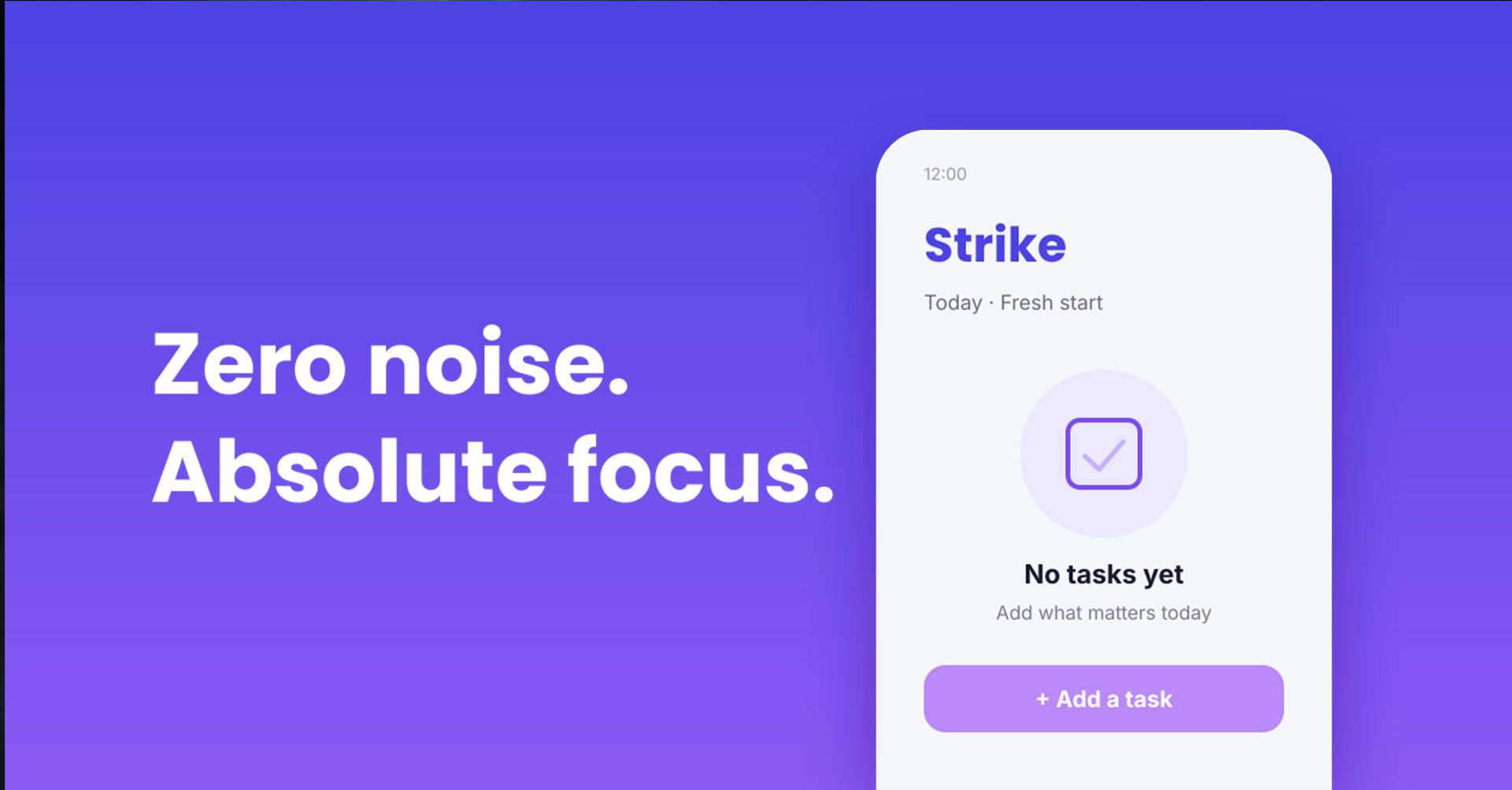
Most to-do apps get too complicated, and overdue tasks pile up until you stop using them. Strike is a simple Android to-do app that clears your list every night at 12, so each day starts as a blank canvas. You can set alarms for important tasks, notifications for small ones, or just use a checklist. It’s free.
Most people have downloaded more to-do apps than they can count.
Every one starts with hope. A clean screen, a few tasks, a small feeling of being in control. And most end the same way: closed, forgotten, and finally deleted.
Strike is a to-do app that tries to break that cycle. It does something most to-do apps would never do: every night at 12, it deletes all your tasks. Get Strike on Google Play
Here’s why.
The problem with most to-do apps
Most to-do apps feel overwhelming from day one. Welcome screens, projects, folders, tags, labels, priorities, settings. Before adding a single task, you’re already tired.
Even if you push through, the same thing tends to happen. You use the app every day for a few days. You explore all the features. Then the fatigue kicks in. Keeping the app organised starts to feel like a job of its own.
And then there are the old tasks.
Miss a few things on Monday, and they move to Tuesday. Miss them again, and they move to Wednesday. A couple of weeks later, you open the app and see a long red list of overdue tasks waiting for you.
That list doesn’t make anyone productive. It makes you feel bad. So you do what most people do. You stop opening the app.
The idea: a list that forgets yesterday
Strike starts from one simple question. What if your to-do list just forgot everything at the end of the day?
No backlog. No overdue tasks. No guilt. Just a blank canvas every morning.
It sounds scary at first. What if you forget something important? But here’s the thing. If a task still matters tomorrow, adding it again takes five seconds. And that small moment makes you ask: do I really need to do this?
Most of the time, the answer is no. Many of the tasks sitting in old to-do apps never really mattered. They just sat there, making people feel behind.
How Strike works
Strike is very simple. That’s the whole point.
Every night at 12, the list clears. You wake up to an empty list and add only what matters today.
For each task, you choose how you want to be reminded:
- Alarm: for things you really can’t miss, like taking medicine, paying a bill or a call with a client. It’s a full-screen alarm that rings even when your phone is locked. You can snooze it or dismiss it.
- Notification: a quiet reminder for smaller things, so you stay on track without being disturbed.
- Checklist: no alarm, no reminder. Just add it and tick it off when it’s done.
That’s it. No projects, no folders, no tags, no long setup. Open the app, add today’s tasks, strike them off.
What it’s like to use every day
The biggest difference is simple: it’s an app you keep opening. A to-do list that doesn’t leave you feeling tired or guilty is one you actually come back to.
The blank list every morning feels refreshing, like a fresh page in a notebook. You think about what actually matters today, write it down, and get on with your day.
The alarms make a bigger difference than you might expect, too. Important tasks stop slipping through, because a full-screen alarm is much harder to ignore than a notification you swipe away without reading.
Who Strike is for (and who it isn’t)
Strike is not for everyone, and that’s fine.
Strike is for you if:
- You’ve tried many to-do apps and got tired of them
- You want to focus on today, not a long backlog
- You need real alarms for a few important tasks each day
- You like simple tools that don’t need setting up
Strike is probably not for you if:
- You manage big projects with many steps over weeks
- You need shared lists with a team
- You want your tasks to carry over from day to day
For those things, a full project management app will serve you better. Strike is for the daily stuff: errands, habits, reminders, work tasks, the things you want done today.
Tips for using a daily reset to-do list
A list that clears every night works best with a few simple habits:
- Plan in the morning, not the night before. Take two minutes with your coffee to add today’s tasks. You’ll pick what really matters, not what felt urgent yesterday.
- Keep it short. Three to five tasks a day is plenty. A short list you finish feels better than a long one you don’t.
- Save alarms for what truly can’t be missed. Medicine, bills, meetings, calls. If everything has an alarm, nothing feels important.
- Let unfinished tasks go. If something didn’t get done and you don’t feel like adding it again tomorrow, that’s useful information. It probably wasn’t important.
- Keep long-term plans somewhere else. Big projects and goals belong in a notebook or a separate app. Your daily list is only for today.
Should you try it?
If you’ve given up on to-do apps before, Strike is worth a look. It’s free, simple to set up, and available on Android.
The daily reset won’t suit everyone. But if a long list of overdue tasks has ever made you close an app and never open it again, starting each day with a blank canvas might be exactly what you need. Have you tried a to-do list that resets every day?