
TL;DR
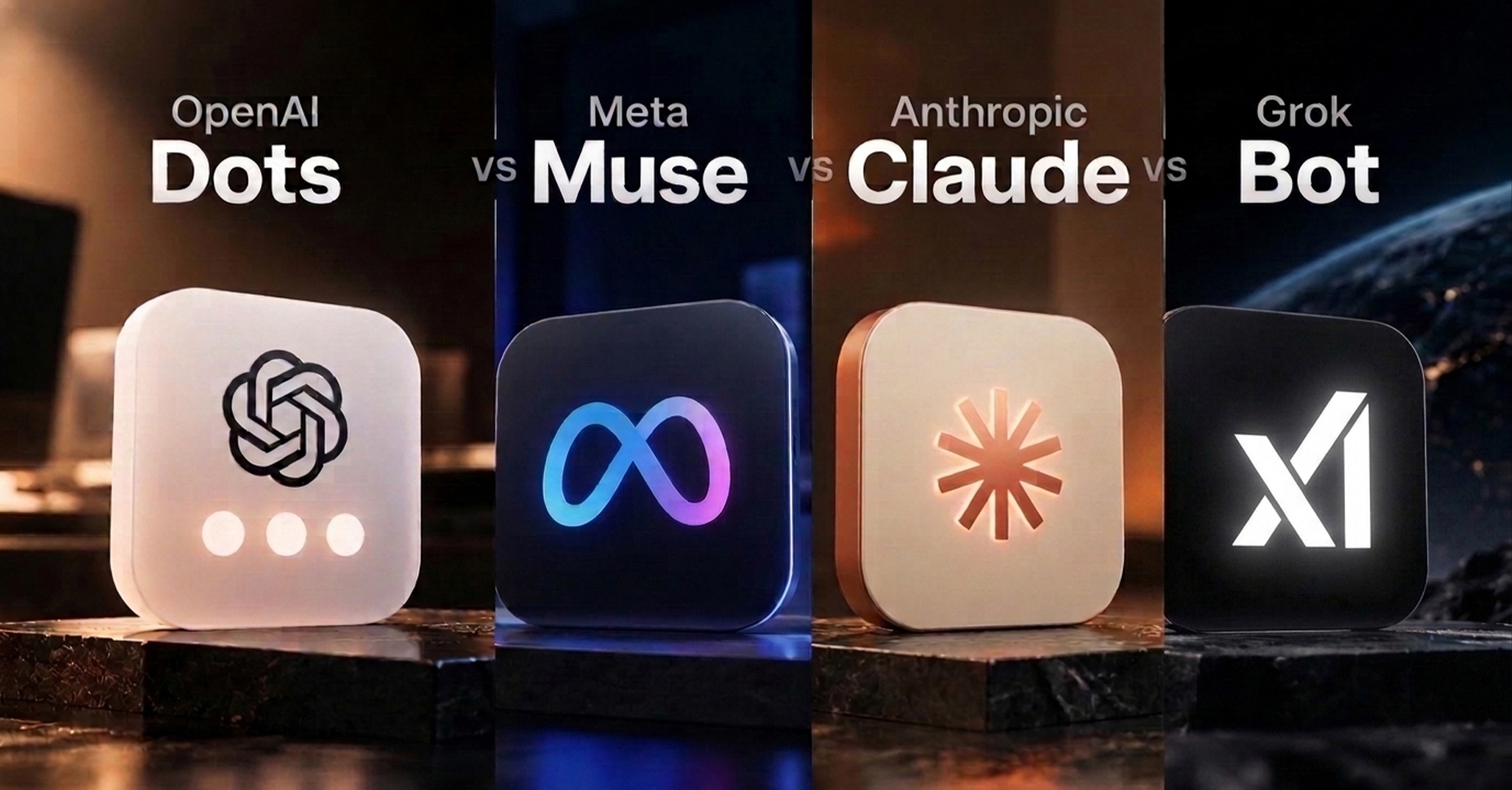
Muse vs ChatGPT dots vs Grok Bot vs Claude comes down to one idea: always-on AI agents are assistants that keep working on a cloud computer after you close your laptop or phone. Four of them matter right now: Meta’s Muse, OpenAI’s dots, xAI’s Grok Bot, and Claude. They look alike on the surface and are built for different jobs. Muse suits personal errands, dots suit people already inside OpenAI’s tools, Grok Bot suits multi-step team workflows, and Claude suits document-heavy work. Here is what each one does, and how to pick.
What “Always-On” Actually Means
A normal chatbot answers when you ask and stops when you leave. An always-on agent differs in one specific way: it has its own cloud computer, so it can keep working while you’re away.
You hand it a job, close the app, and come back to finished work or a request for approval. All four agents below follow that pattern, and all four are new. Muse launched in the US on September 8, 2026, OpenAI’s dots on September 29, and Grok Bot entered beta in August.
The differences are in where each agent lives, what it connects to, and what it costs.
Meta Muse: The Personal-Errands Agent
Muse is built for everyday life, and its main advantage is where it lives. It works inside WhatsApp with nothing to install, and also through iOS, Android, and the web.
Meta says Muse can send emails, book travel, fill out forms, and keep working after you close the app. It runs inside a dedicated cloud computer Meta calls the Muse Secure VM. A separate monitoring agent watches what it does, and it asks for your permission before sensitive actions such as sending an email or making a purchase.
Best for: managing schedules, trips, bookings, and messaging without leaving WhatsApp.
What to know before you try it:
- Launch coverage describes a US rollout for adults aged 18 and over.
- Meta says most usage is free. Paid tiers are reported at $20 and $100 a month.
- Several reviewers flagged that a payment card is required even on the free plan.
- The free tier reportedly runs on a weekly token allowance, and one early tester reported using 81% of it within a day.
ChatGPT Dots: The Deep-Work Agent Inside OpenAI’s Ecosystem
OpenAI launched dots on September 29, 2026. Each dot is a persistent agent inside ChatGPT, powered by GPT-6 Astra, with its own cloud computer and browser.
You can open that computer at any time to watch the work. Dots connect to over 4,000 apps through OpenAI’s plugin system, and you can reach one in ChatGPT, Slack, and Teams. Access to your own local computer is optional and off by default.
Best for: people already working in ChatGPT, Slack, or Teams who want an agent that carries ongoing responsibility for a body of work.
What to know:
- A first dot is included on Pro and Business Premium plans.
- Conversations with your dot don’t count toward ChatGPT usage limits, but tasks it starts in Codex or ChatGPT Work do.
- A dot can create cloud tasks in Codex, but you have to set up the Codex environment first.
- OpenAI is previewing specialist dots, plus a Microsoft Agent 365 integration so businesses can govern them with Microsoft’s tools.
Grok Bot: The Multi-Bot Team Agent
Grok Bot, from xAI (now part of SpaceXAI), launched in beta in August. Each bot gets its own cloud computer, signs in to the tools you already use, works across apps and inboxes, and comes back only when it needs your approval.
Its newest change is the interesting one. On October 7, the Grok Bot team said all bots would run on Claude Opus 5.5 by default, and that bots can spawn cloud agents running Cursor’s models. Elon Musk framed it as using the best model for each task, and also named Midjourney and Suno. The practical picture is an Opus-powered bot that plans the job and holds the context, while Cursor agents do the heavy lifting in parallel.
Best for: multi-step business pipelines and shared team tasks, such as CRM updates or work that needs handoffs between specialized bots.
What to know:
- It’s bundled with SuperGrok and paid Cursor plans rather than sold on its own. Reported entry prices include Cursor Pro at $20 a month and Cursor Teams Standard at $40 per seat.
- Coverage notes that SpaceXAI hasn’t said whether you can see which model handled a task, or whether outside models will use up plan limits faster. Opus 5.5 is a pricier model, so heavy users should watch this.
Claude: The Document and Research Agent
Claude’s agent capabilities now live inside the main Claude app, and they suit work that ends in a finished file you’ll read and edit: research synthesis, long-form drafts, spreadsheets, and recurring reports.
Where tasks run is the detail to check. Reporting on a recent update says agent tasks now run in the cloud by default, so they continue after a laptop is closed, and scheduled tasks can run overnight. An older Anthropic support page said the desktop app had to stay open while a task ran. These sources conflict, so confirm the current behavior in Anthropic’s documentation before you plan around overnight runs.
Claude can send a phone notification when it needs an approval or a decision, and Anthropic says actions such as sending content still require your review.
Best for: long-form text, research synthesis, and document workflows.
What to know:
- Earlier Anthropic documentation for Claude’s agent mode said its activity wasn’t captured in audit logs, the Compliance API, or data exports. If your organization needs audit trails, check the current status before using it on regulated work.
- Agent work uses more of your usage allocation than ordinary chatting.
How to Choose Without Overthinking It
Match the agent to where your work already happens:
- Want a free, casual assistant for trips, schedules, and messaging? Muse. It lives in WhatsApp, and the cost of trying it is a payment card on file.
- Already working inside ChatGPT, Slack, or Teams? Dots. The workflow integration is the draw.
- Managing multi-step pipelines or handoffs across a team? Grok Bot. Its multi-bot design is built for that.
- Working mostly with documents, research, and long-form writing? Claude.
Whichever you pick, start with one narrow task that has a clear approval point, such as collecting research and drafting a summary, and keep the “send” step manual. Always-on agents are most useful, and least risky, when you’ve decided in advance what they’re allowed to finish without you.
Pick by Where Your Work Already Lives
All four agents solve the same problem, a computer that keeps working when you don’t, and they arrived within weeks of each other. The meaningful differences are practical: which app you reach them from, which tools they plug into, how permissions and approvals work, and how pricing behaves once you’re a heavy user. Choose the one that sits inside the tools you already use, and treat everything beyond that as a bonus.
Related Buzz: We also covered [Why Websites Are Blocking AI Agents (And What Happens Next)]